Migrating an Existing Registration to Docnova
If your business already has a Peppol participant registration with another provider and you'd like to move it to Docnova, follow these steps:
- In the left-hand menu, click Settings.
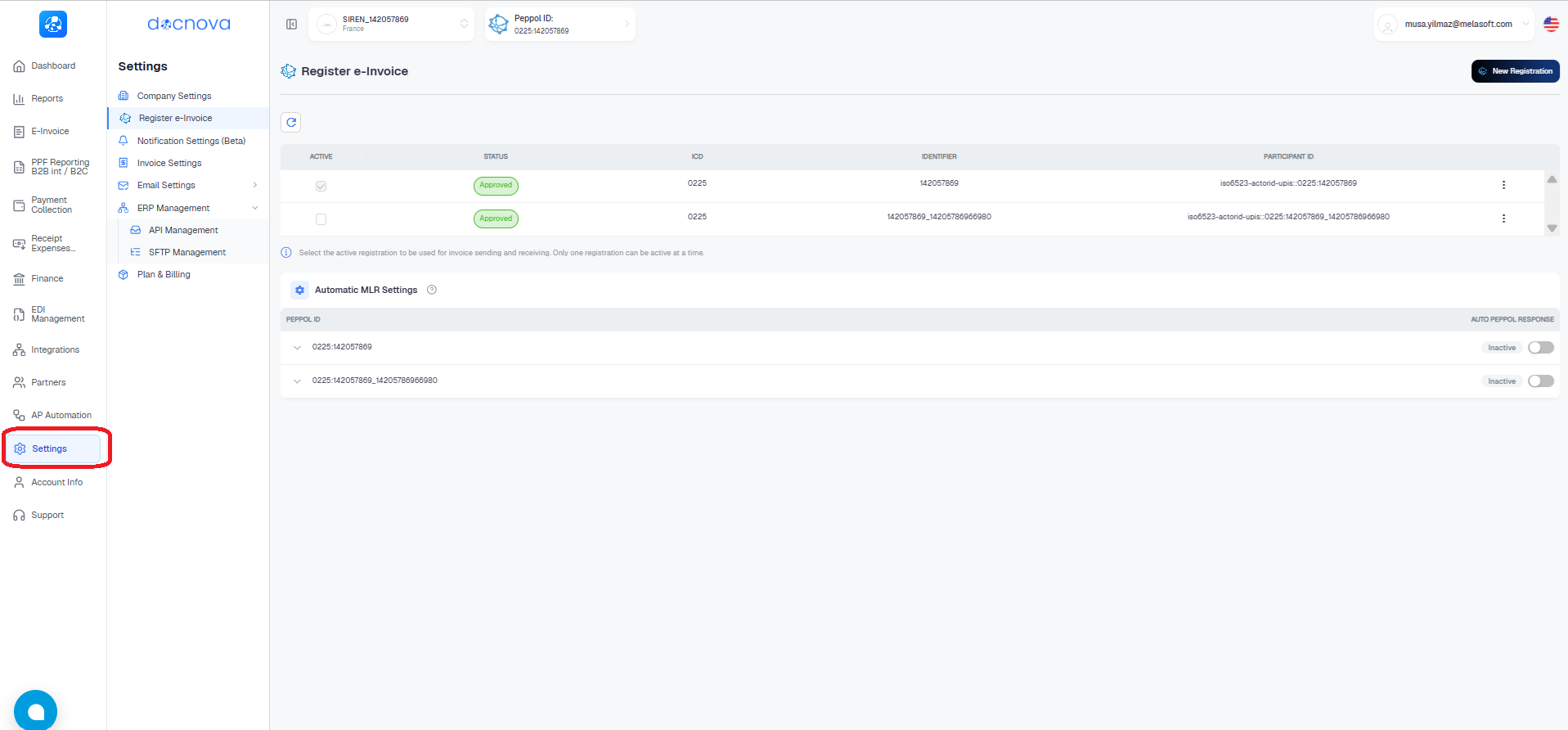
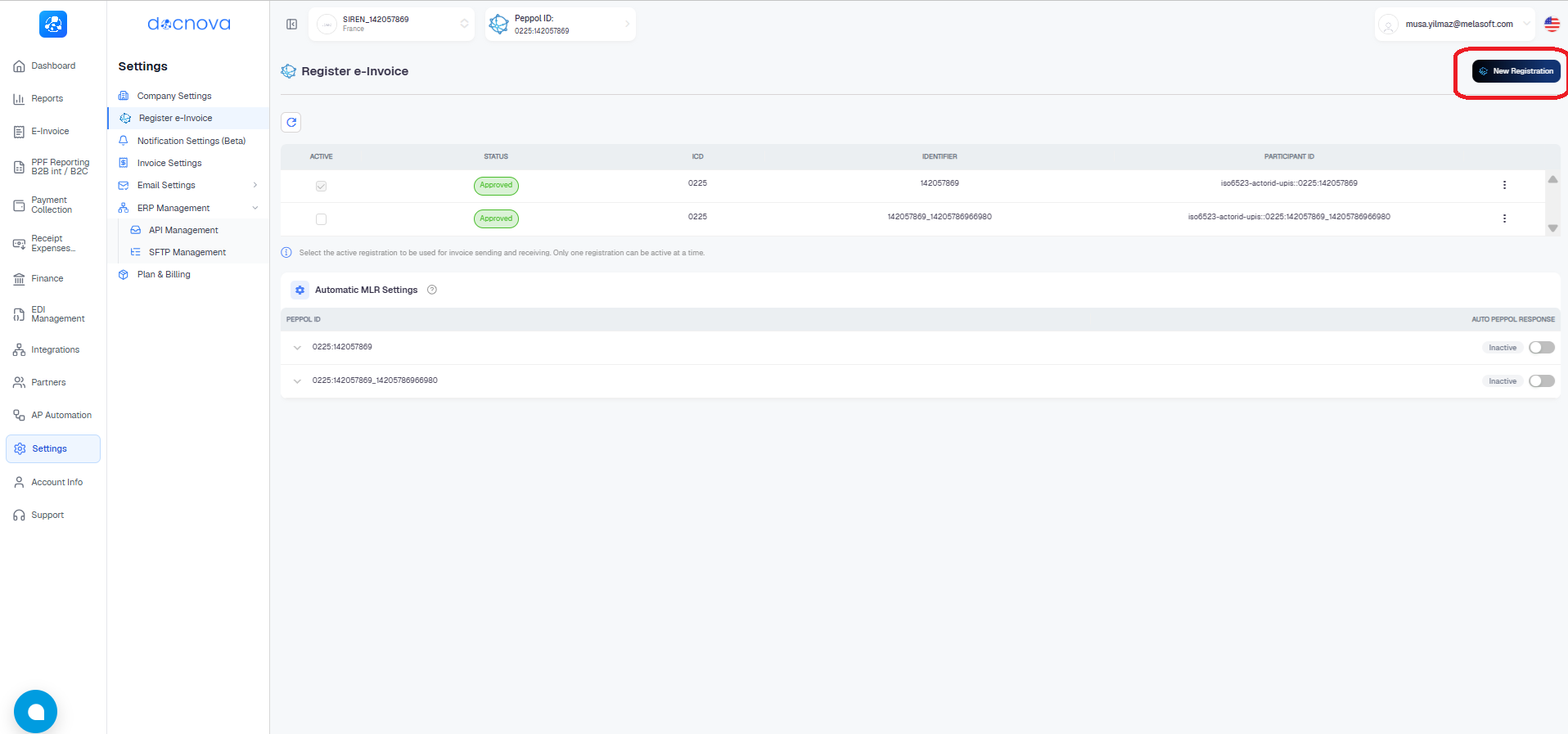
- On the Register e-Invoice page, click the New Registration button in the top-right corner.
- In the panel that opens, click the Migrate from Provider tab.
- Enter the Migration Key you received from your current provider, select the correct Participant ID (ICD), and enter your Business Identifier.
- Click Start Migration.
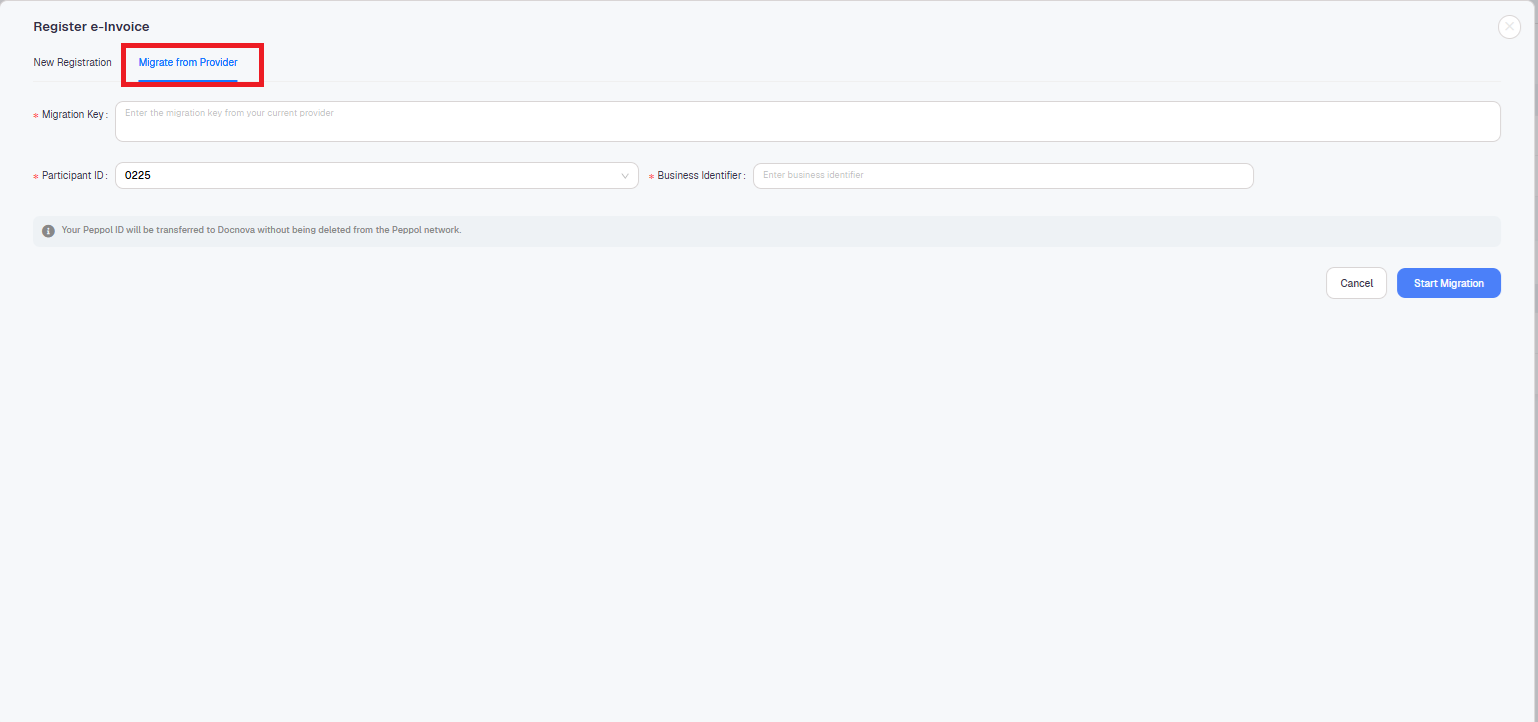
Your Peppol ID will be transferred to Docnova without being deleted from the Peppol network.