Receiving invoices by e-mail
Not every supplier is on Peppol. E-Invoice > Email Inbox gives the company its own address, and invoices e-mailed to it are picked up and turned into documents.
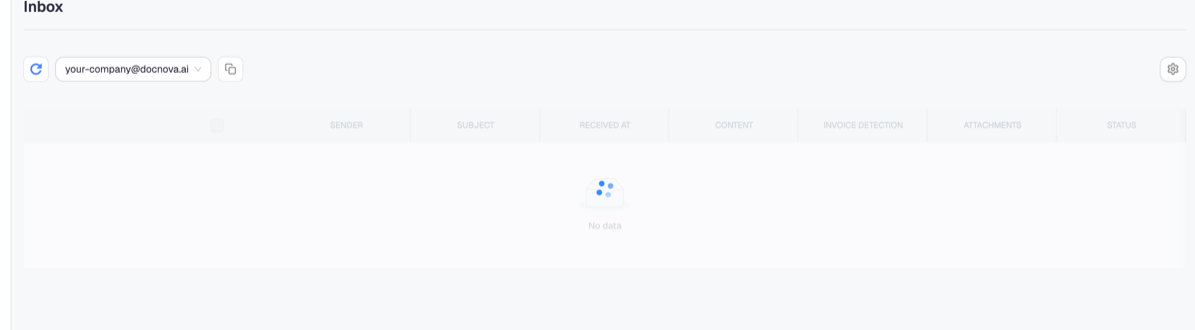
The address is shown at the top of the screen. Give it to suppliers who send PDF invoices by e-mail, and add it to the address your accounts-payable team already publishes.
What the columns tell you
Each message is listed with its sender, subject, when it was received, its content, an invoice detection result, its attachments and a status. The detection column is the one to read: it says whether an invoice was recognised in the message, which decides whether anything downstream happens.
A message can arrive perfectly and still produce no invoice — a supplier who writes "invoice attached" and forgets the attachment, or sends a scanned image the parser cannot read. The row is your evidence that the mail arrived, which settles the "we sent it" conversation.
Inbox and Junk
Junk holds messages that were classified as unwanted. Check it when a supplier insists they sent something and it is not in the Inbox — legitimate invoices do end up there, particularly from senders writing for the first time.
Nothing is deleted between the two boxes; a message in Junk is still a record of what arrived.
The limits your plan sets
Two plan allowances apply here: how many received e-mails are processed, and how many receiver e-mail addresses you may define. Reaching either looks like a fault — mail that stops being processed, or an address that will not save — so check Plan & Billing before reporting a problem.
E-mail versus Peppol
An e-mailed PDF is a document you can work with, not a structured e-invoice. Under the German mandate it is your supplier's duty to move to a structured format once their issuing phase starts — see German e-invoicing compliance for the dates. Receiving their PDF by e-mail keeps your own side working in the meantime; it does not make their invoice compliant.
Where you need the data rather than the file, OCR reads the attachment — see Reading paper and PDF documents with OCR.