Partners
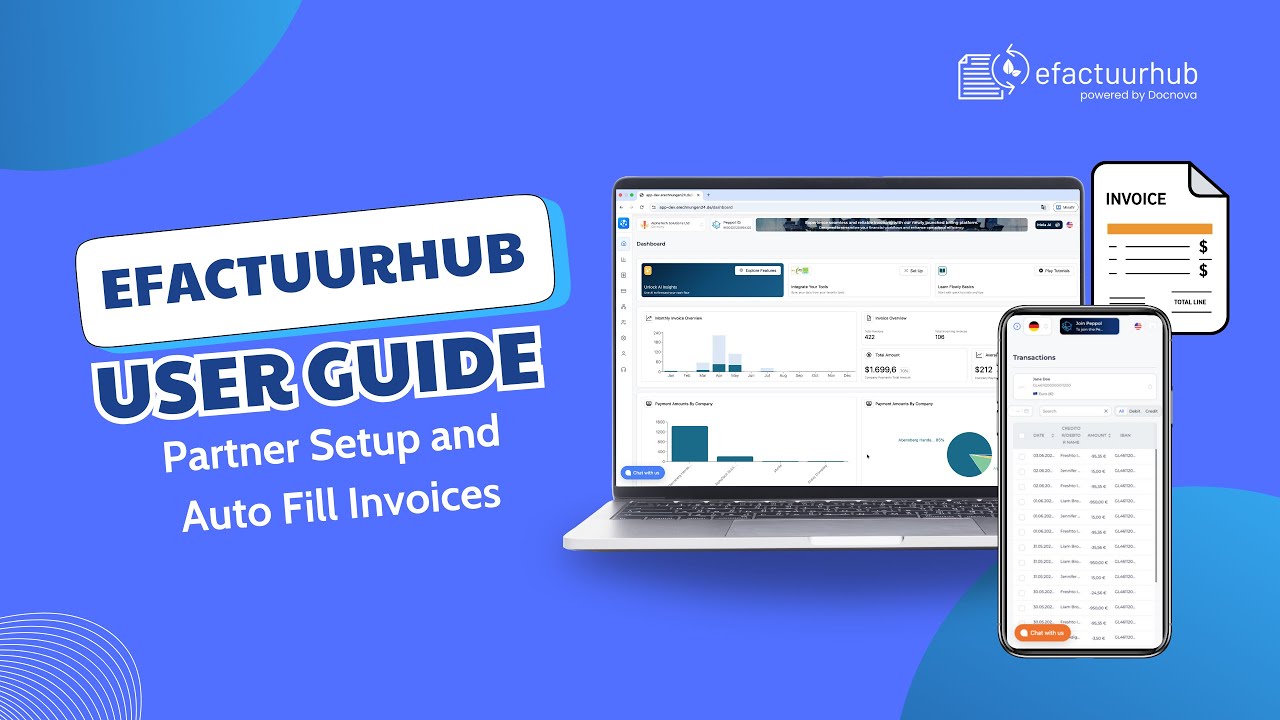
In this video, we walk through Partner Setup and show how partner details can automatically fill your invoice fields. You’ll learn how to add new partners, edit existing records, and delete outdated entries. Then we demonstrate how to select a saved partner and instantly populate the invoice form, saving time and reducing manual errors.
In this walkthrough you will learn
-
How to create a partner record
-
How to edit and delete partner information
-
How to use saved partner data to auto fill invoice fields
-
Tips to keep partner data accurate for smooth invoicing
This guide is perfect for users who want a faster workflow and consistent invoice details.