Inbound
How to Create an Invoice Email Account and Import Incoming Invoices
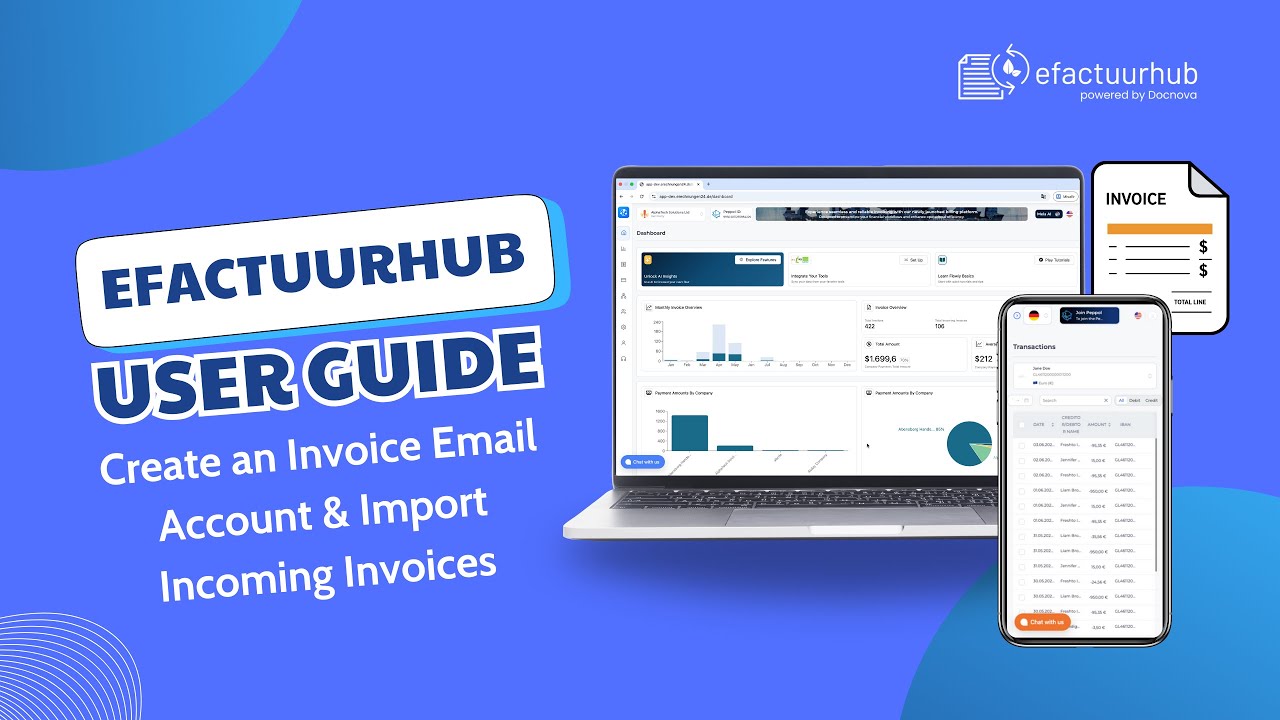
In this video, we show how to create an invoice email account in Docnova and how to receive invoices through this mailbox. You will also learn how invoices received by email can be transferred to the Incoming Invoice page either automatically or manually, depending on your workflow.
In this walkthrough you will learn
- How to create an email account in Docnova
- Where to find the email setup option under Settings in the sidebar
- How invoice emails are captured and processed
- How to transfer invoices to the Incoming Invoice page automatically
- How to transfer invoices manually when needed
- Tips to avoid common setup mistakes and ensure reliable invoice intake
Try it now
https://app.docnova.ai/login
This guide is ideal for admins and users who want to keep company settings consistent and up to date.