Dashboard Overview
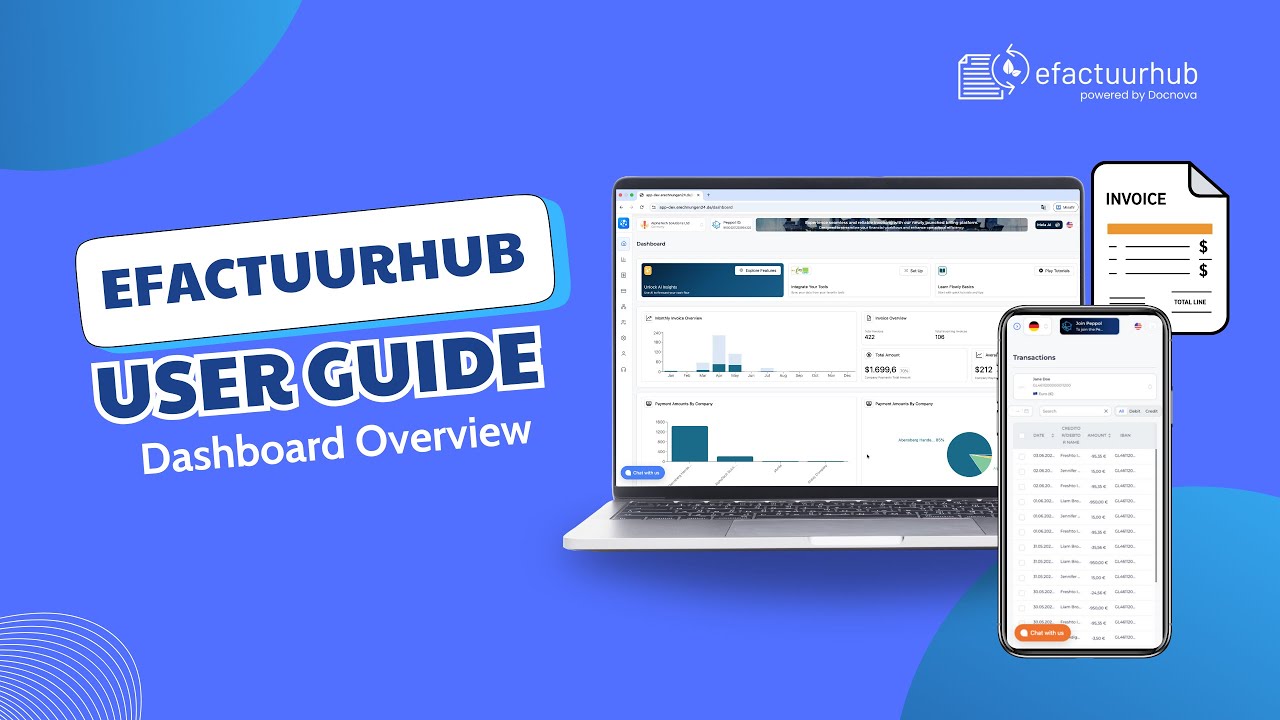
In this video, we give a complete Dashboard Overview and explain the key elements you see on the dashboard page. You’ll learn what each section means, where to find important status information, and how to use the available actions to manage your daily workflow faster.
In this walkthrough you will learn
- What each dashboard widget represents
- How to read status indicators and notifications
- Where to track invoices and recent activity
- Which shortcuts and actions help you work faster
- Tips to navigate the dashboard efficiently
This video is ideal for new users and anyone who wants a quick but detailed tour of the dashboard page.